
Natural Text to Speech in Your Web workspace
Use Eleven AI text to speech to paste audience-ready words, select a suitable speaker, review pronunciation and rhythm, then download the corrected take.
Web-based · Directed · Multilingual · Ready to export
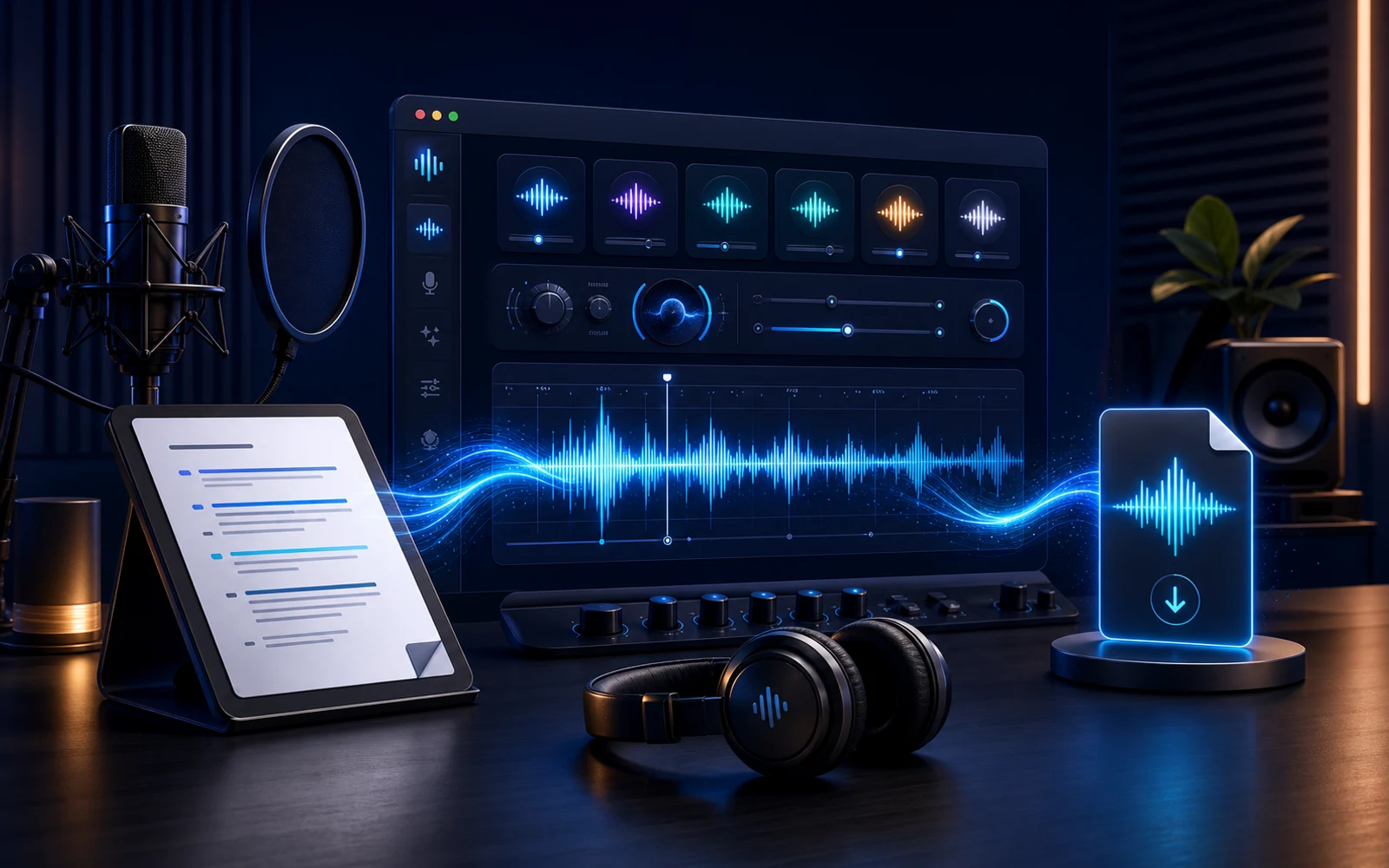
- Public voice styles available to audition
- 300+
- Language groups in the available catalog
- 4
- Sample characters for fast voice checks
- 120
- Export format for every approved take
- MP3
Text to Speech, Explained
Text to speech synthesizes spoken audio from writing. Eleven AI surrounds that conversion with catalog casting, short auditions, script revision, and a clear choice of which result should leave the workspace.
The best input is the copy people will actually hear, including product names, numbers, and intentional punctuation. Testing a demanding excerpt first reveals whether the speaker and wording work together.
This approach fits teams whose narration changes alongside an edit, lesson, or interface. A corrected sentence can become fresh audio without arranging another microphone session.
Catalog profiles make quick casting possible. Authorized private models provide continuity for an approved identity, while voice design explores a speaker that is not already listed.
For a recurring private speaker, move from synthesis into voice cloning after confirming that you have permission to use the reference voice.
Watch the Text to Speech Process
See a script move through three distinct decisions: prepare the words, choose how they should sound, and approve a downloadable result.
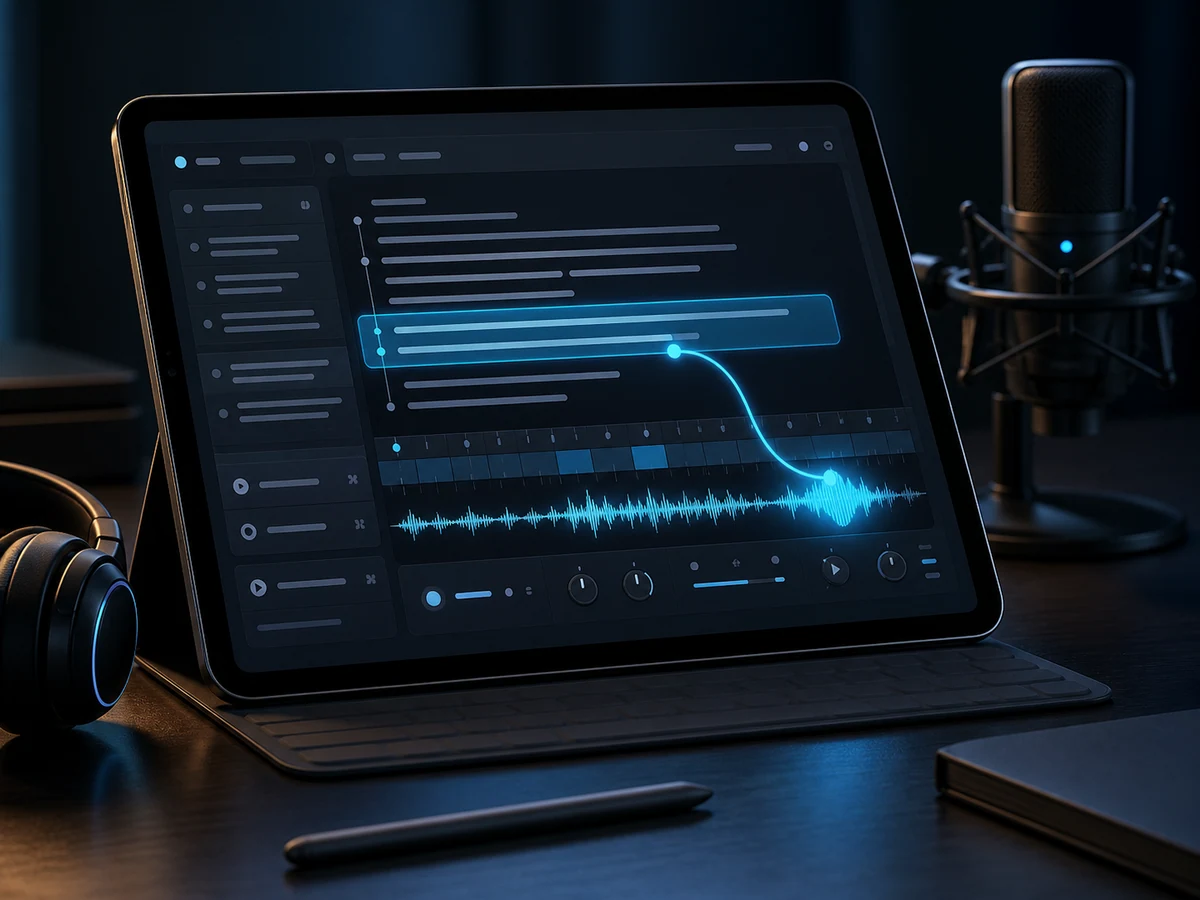
Write the line
Paste a representative passage with the exact terminology, sentence length, and punctuation expected in the published version.

Direct the delivery
Compare speakers on the same passage and decide which language, character, and tempo suit the listener and format.
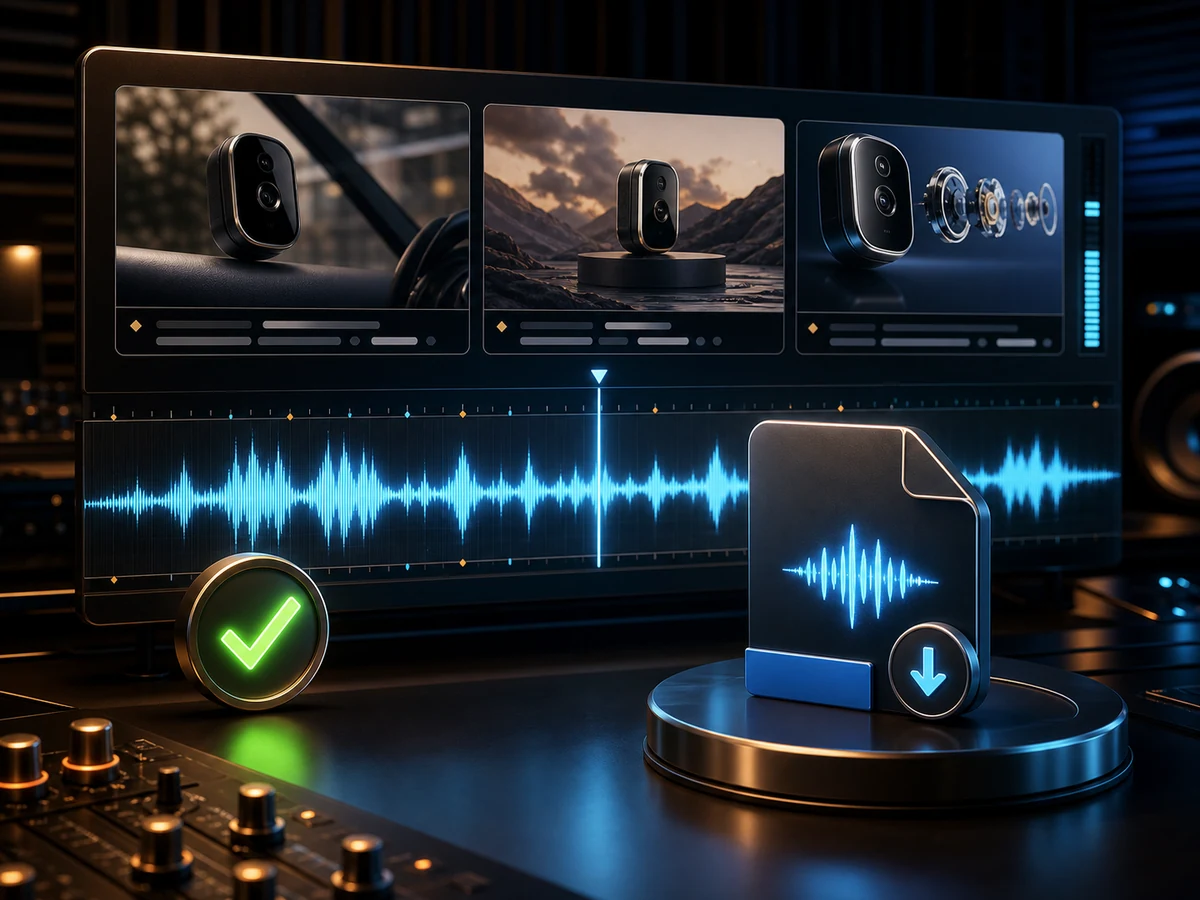
Approve the audio
Listen for incorrect names, misplaced stress, and awkward pauses; edit the source and generate again before downloading.
Why Creators Reach for Eleven AI Text to Speech
Eleven AI keeps the written source beside every audition, giving editors a direct way to fix delivery by changing words, punctuation, or casting.
Launch text to speechDelivery you steer
Guide the performance through cleaner sentences, deliberate punctuation, and a voice whose natural energy matches the audience.
Built for multilingual copy drafts
Run localized scripts through one familiar process while selecting from the English, Chinese, Japanese, and Korean profiles currently available.
Shortlists That Simplify Casting
Narrow the catalog by language and intended use, then compare only a few candidates using an identical test line.
Assets ready to export
Download an accepted MP3 and use generation history to recover earlier work when a project returns for revision.
Low-cost preview passes
Spend the first render on a compact passage that exposes names, pacing, and tonal fit before submitting more characters.
Original Voices Beyond the Catalog
When catalog casting fails, describe an original synthetic speaker or select a private model created from audio you are allowed to use.
How to Turn Text into Speech
A useful conversion separates four choices: what the audience hears, who reads it, what the audition reveals, and which corrected file is approved.
- 01
Write the copy
Enter the intended spoken wording, retaining names, abbreviations, numbers, and punctuation that could change delivery.
- 02
Pick a voice direction
Select a sampled catalog profile, an authorized account-only model, or a designed voice that matches the creative direction.
- 03
Render a directed take
Generate the revealing excerpt and assess clarity, cadence, emphasis, and pronunciation against the actual publishing context.
- 04
Approve and export
Make the necessary script or casting change, produce the final pass, and download its MP3 after listening.
Where Text to Speech Cuts Recording Time
Teams use text to speech where frequently revised writing still needs consistent, reviewable audio for screens, lessons, stories, and products.
Short video narration
Build a read for the current picture cut and replace a hook or timing-sensitive sentence after the video changes.
E-learning and training
Regenerate only the policy, instruction, or example that changed while keeping the established lesson voice.
Podcasts and intros
Create a repeatable opening or late sponsor pickup without bringing the host back to the microphone.
Consistent Narration for Long Stories
Audition exposition, dialogue, and proper nouns before assigning a narrator to chapters or long articles.
Alternative Audio for Accessible Content
Offer an MP3 companion to essential guidance so people who prefer listening can access the same information.
Ads and marketing
Hear competing headlines and calls to action in consistent casting before the campaign team selects a cut.
IVR and voice agents
Prototype menu choices and assistant messages aloud, catching long or confusing wording before engineering integration.
Games and characters
Use provisional dialogue to evaluate scene duration, tutorial instructions, and a character direction while gameplay is still changing.
Text to Speech in Four Language Groups
Current catalog choices cover English, Chinese, Japanese, and Korean for teams preparing courses, creator narration, interface copy, and localized demonstrations.
English
Accents from the US and beyond.
Chinese
Mandarin tuned to every register.
Japanese
Natural pitch-accent reads.
Korean
Modern, clear Seoul standard.
Spanish
Spanish voices across regional accents.
Portuguese
Brazilian Portuguese voices for natural speech.
Text to Speech FAQ
Practical guidance for running web-based text to speech production on Eleven AI.
How does text become spoken audio?
A speech model interprets written input and renders audio in the selected voice. Eleven AI then lets you inspect that result, alter the source or casting, and download the approved MP3.
Can I test Text to Speech before choosing a paid plan?
Yes. Welcome credits cover a compact 120-character audition. Recurring plans and prepaid packs increase per-conversion capacity to 1,000 characters and support the broader voice tools.
How do I turn a copy into speech?
Paste a real passage, select a speaker, and generate an initial read. Check names, pace, and emphasis; correct the input if necessary and export only after another listen.
How natural can a generated read sound?
Naturalness depends on both the model and the writing. Compare candidates with your actual punctuation, terminology, and sentence lengths instead of relying on a generic sample.
What language coverage is available?
The current public catalog can be filtered for English, Chinese, Japanese, and Korean. Final localization should still be reviewed by someone fluent in the target language.
Can finished speech be exported?
Yes. Once playback confirms the take, download its MP3. Generation history also helps you find a prior render when the source text needs another update.
Can I publish TTS output commercially?
Commercial use depends on the current Eleven AI terms, your plan, and the rights attached to the script and voice. A private clone always requires ownership or explicit permission.
Can I audition new scripts with an authorized private voice?
Yes. Create the account-only model from permitted reference audio first. It then becomes a selectable speaker for future synthesis while remaining outside the public catalog.
What does the larger Eleven AI voice workspace add?
The conversion itself is text to speech. Around it, the generator supplies public casting, designed speakers, permission-based clones, audition history, and download controls.
What must I have before creating a render?
Use a browser and sign in to an account with welcome or paid credits. No desktop software is required, and account access also stores private voices and history.
Render a Directed Text to Speech Take
Paste one line from your production, test it with a public voice, and export the approved speech from Eleven AI.