
Private Voice Cloning
Eleven AI voice cloning turns a permitted reference recording into an account-only speaker. Confirm the rights first, create the model, then test new copy and download approved speech.
Account-bound · Permission first · Private models · Export ready
- Suggested reference length for a cleaner clone
- 10-60s
- Quality modes covering drafts and polished output
- 2
- Language groups your cloned voice can speak
- 4
- Export format for approved cloned-voice takes
- MP3
What Voice Cloning Means Here
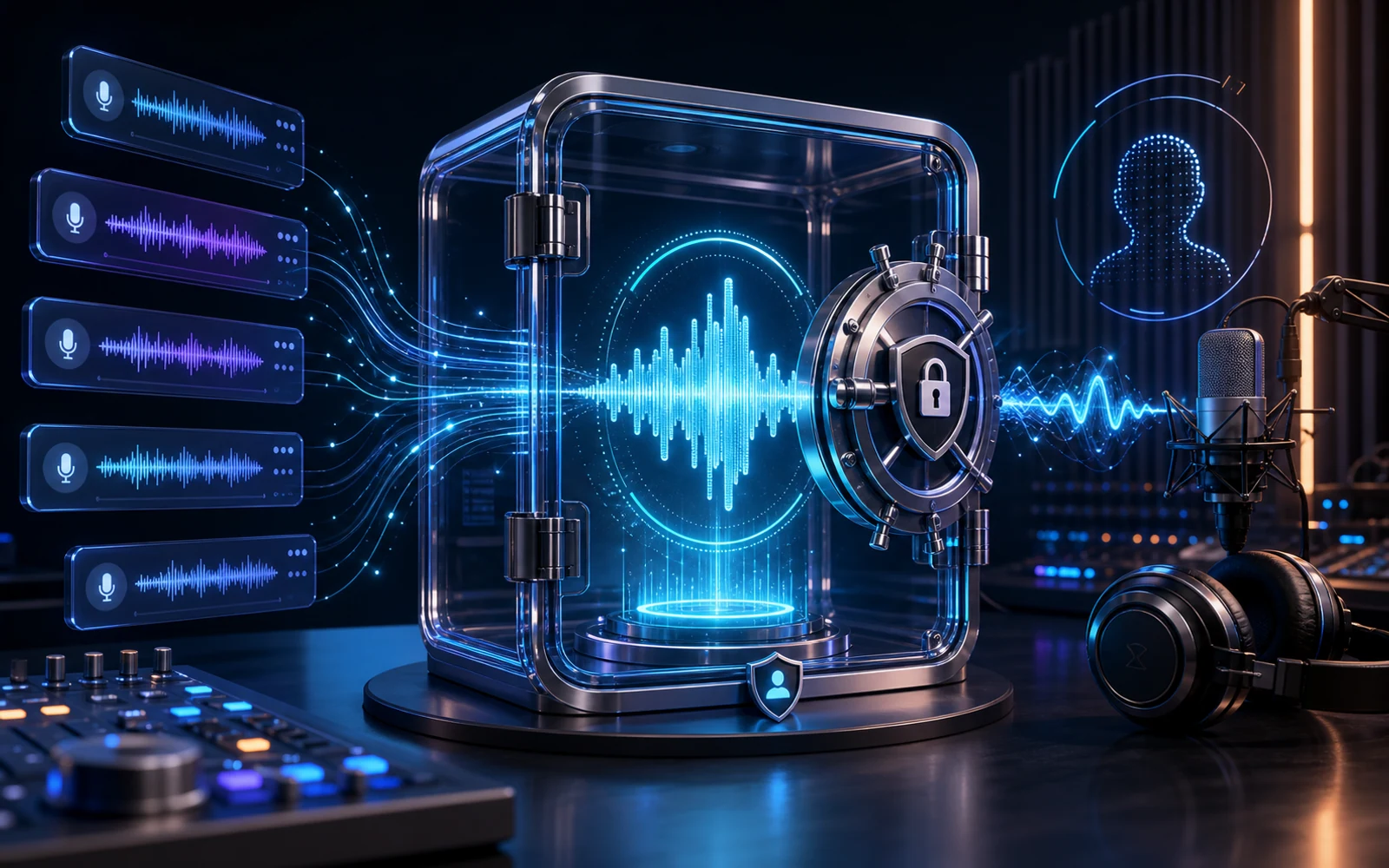
A voice clone is a model derived from recorded speech and used to read different words. Eleven AI stores a completed clone in the creating account rather than listing it as a public speaker.
Reference quality and authorization are separate requirements. Supply clear natural speech with low background noise, and proceed only when you own the voice or the speaker explicitly permitted this cloning use.
The model action remains locked until the consent control is checked. That makes the rights decision an unavoidable part of the workflow before credits are spent.
After creation, write a representative sentence and listen closely before a long render. The saved private model can handle later authorized updates without returning to the original recording.
If the work does not require a private model, begin with text to speech and audition catalog voices before supplying reference audio.
Walk Through the Voice Cloning Process
The account workflow moves through a rights-cleared recording, input validation, private model creation, and a listening decision on newly generated speech.
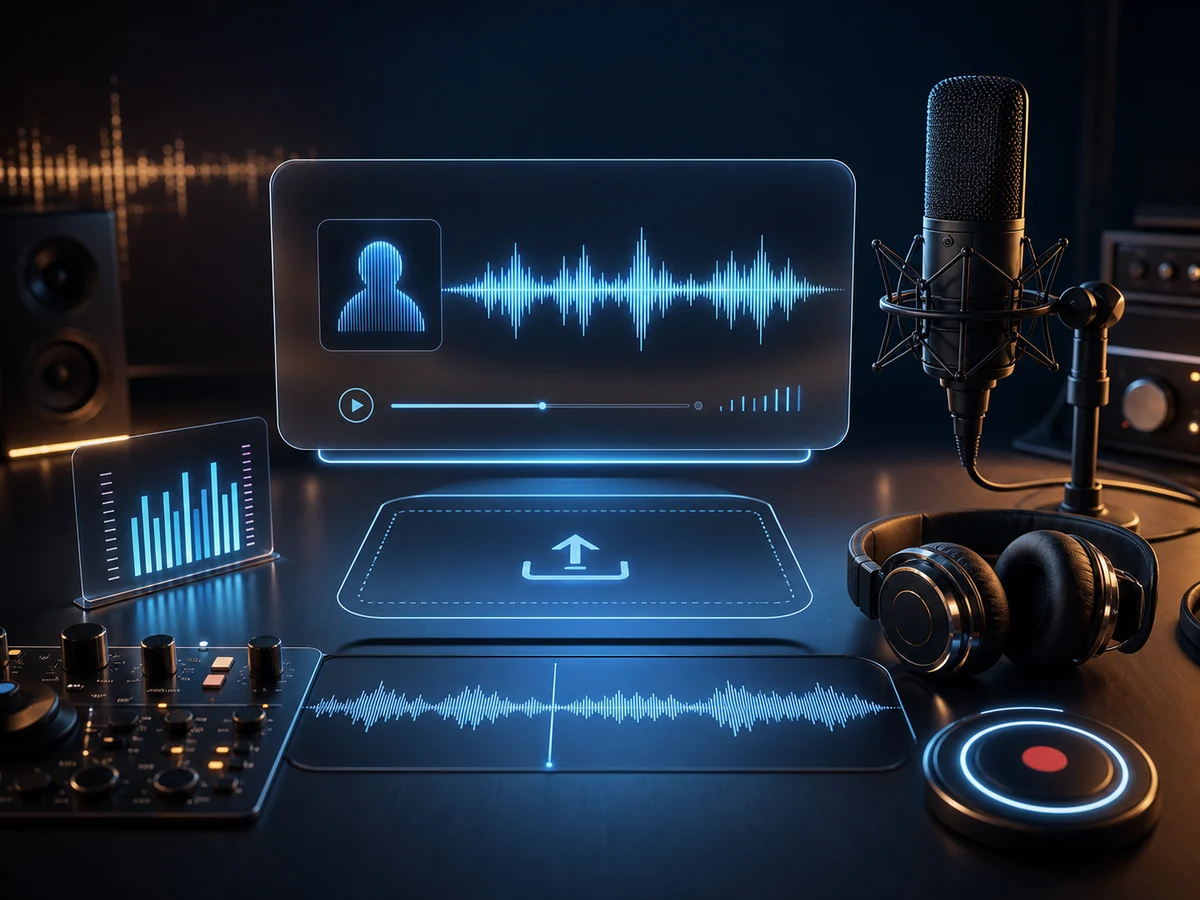
Add a reference voice
Upload MP3, WAV, or M4A, or capture speech with the browser recorder. Use a quiet, steady performance and let the input checks run.
Verify voice permission
Attest that the recording is yours or that its speaker gave explicit approval for the model and intended use.
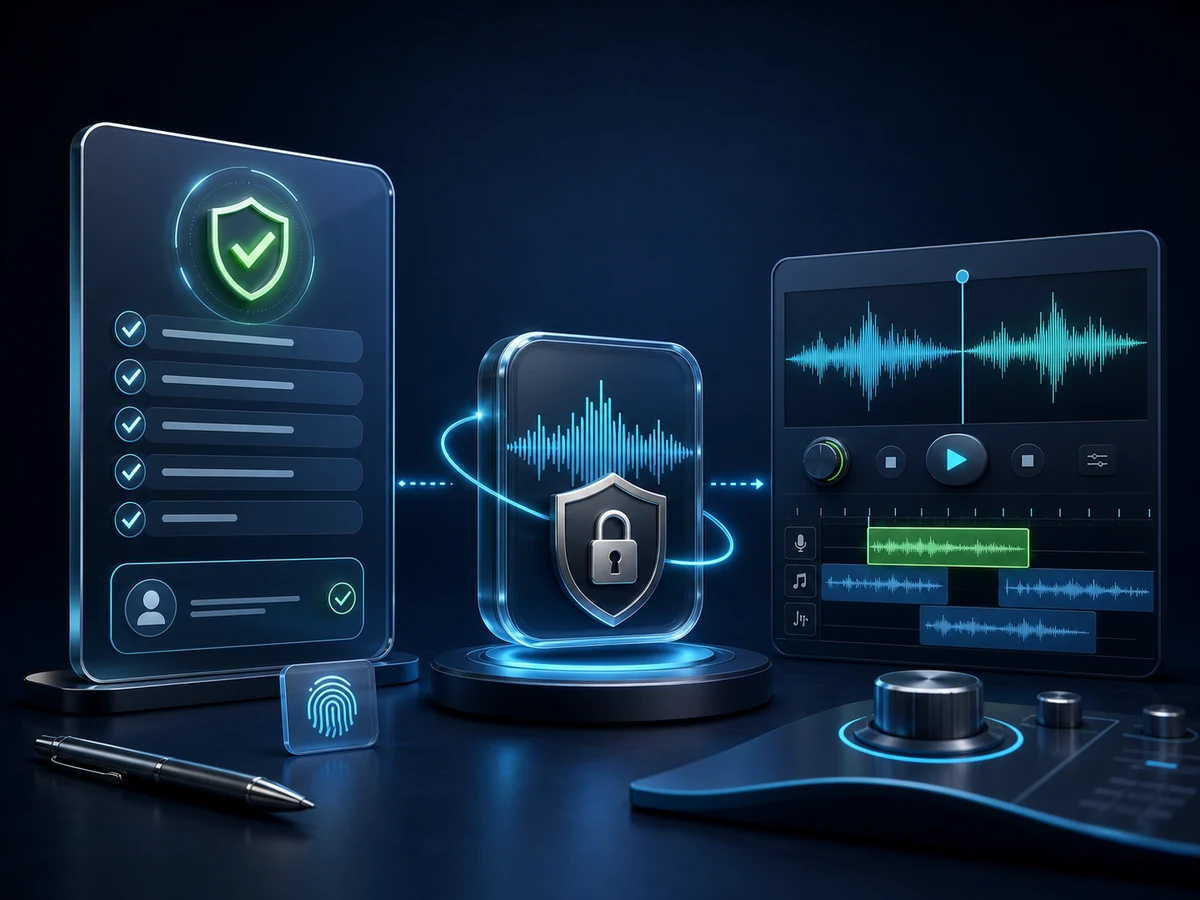
Render controlled takes
Give the account-only voice a difficult new line, inspect identity consistency and pronunciation, then download only an authorized result.
Why Creators Pick Eleven AI for Voice Cloning
Eleven AI Voice Cloning connects a permitted source and mandatory consent checks to credit-backed model creation in one account, followed by authorized subsequent speech generation.
Launch voice cloningPrivate model ownership
Keep a cleared narrator available for recurring updates and pickups without making the model discoverable in the public voice library.
Rights come first
Model creation cannot begin until you state that you own the voice or received explicit authorization from its speaker.
Preview First, Then Render the Full Take
Use the faster option to inspect an early script, then choose expressive multilingual output when the production needs a more refined performance.
Web workspace recording or upload
Capture a reference on the page or upload an existing supported recording; validation runs before the file can be submitted.
Reference Audio Chosen for the Job
Prepare clean MP3, WAV, or M4A speech at a steady level, keeping music, room echo, and other speakers out of the sample.
New Takes From an Approved Identity
Return to the same private identity for permitted revisions, generate the changed line, and download it after checking continuity.
Cloning a Voice in Four Steps
The sequence protects the rights decision before any model exists: prepare valid source audio, attest permission, create privately, and audition new wording.
- 01
Supply an Authorized Voice Sample
Record or upload quiet natural speech in MP3, WAV, or M4A and confirm that one speaker remains clear throughout.
- 02
Confirm voice rights
Check the consent statement only when the voice belongs to you or its owner expressly authorized cloning.
- 03
Develop the private model
Spend the displayed credits to create an account-bound model after the source and permission checks have passed.
- 04
Generate and export
Enter unseen text, listen for stable identity and accurate words, correct the script if needed, and download the accepted take.
Where Voice Cloning Pays Off
A private clone is most valuable when the same authorized identity must return for later revisions without another complete recording session.
Private Narrators for Long-Form Updates
Create chapter pickups and corrected passages with the approved narrator after the scheduled long-form session has ended.
Repeatable Voices for Video Channels
Keep channel narration recognizable while replacing a stale fact, changed product name, or alternate opening in a video.
Podcasts and intros
Let a consenting host supply recurring segment labels or a small correction that arrives late in episode production.
E-learning and training
Maintain an authorized instructor across course versions while generating only the policy or lesson step that changed.
Ads and marketing
Produce approved brand-voice variations while legal, creative, and offer wording are still being finalized.
Game characters
Patch branching dialogue with a cleared performer or character identity after playtesting changes the scene.
Localized dubbing tests
Evaluate permitted localized scripts with a consistent identity, then ask fluent reviewers to approve language and pronunciation.
Personal access voices
Create private read-aloud material from your own recorded voice when a familiar speaker supports personal access needs.
Voice Cloning for Supported Languages
Generate cloned-voice speech for supported English, Chinese, Japanese, and Korean copy drafts while keeping the model private to your account.
English
US plus international accents.
Chinese
Mandarin for every register.
Japanese
Pitch-accent that sounds natural.
Korean
Crisp, modern Seoul standard.
Spanish
Spanish voices across regional accents.
Portuguese
Brazilian Portuguese voices for natural speech.
Voice Cloning FAQ
Operational answers covering authorization, source recording quality, supported uploads, displayed limits, credits, language options, model privacy, and account access.
How does Eleven AI voice cloning work?
A permitted recording is analyzed to create a speaker model that reads new text. Eleven AI places that model in the owner account after the consent step succeeds.
What happens during an Eleven AI cloning setup?
Choose the cloning tab, provide cleared reference speech, accept the consent statement, and spend the displayed credits to create the private model. Then audition unseen wording.
How much sample audio should I prepare?
Use the short, clean duration recommended beside the uploader. Favor steady natural speech over a performance with music, echo, clipping, long silence, or multiple people.
Which files and limits are accepted?
The uploader accepts MP3, WAV, and M4A, and a compatible browser can record directly. Follow the duration and file-size values displayed in the product because validation enforces them.
Do I need permission before cloning?
Yes. Only proceed for your own voice or one whose speaker explicitly authorized the clone. The required consent checkpoint does not permit third-party impersonation.
How are credits used for cloning?
Credits are charged for private-model creation and for later speech renders. The workspace shows the current cost and balance; plans or prepaid packs add capacity when needed.
Can a clone speak multiple languages?
Supported output centers on the available English, Chinese, Japanese, and Korean workflows. Test each target language and arrange fluent review before publishing localized material.
What do the speech quality tiers change?
The quicker option suits early listening checks; the expressive multilingual option is intended for a more polished review. Compare both with the same difficult sentence.
Can cloned output be published commercially?
Commercial publication remains subject to Eleven AI terms, plan conditions, and your rights in the speaker and script. A generated file never replaces consent from the voice owner.
How private are my uploaded samples?
The completed model belongs to the creating account and does not appear in the public catalog. Manage it under My Voice Models and use it only for authorized scripts.
Is sign-in required for cloning?
Yes. An account is necessary because creating the model consumes credits and saves a private asset. Public catalog previews can still help with casting before you clone anything.
Develop Your Private Voice Identity
Bring a quiet recording you are entitled to use, complete the consent check, and create a private speaker for clearly authorized future copy.